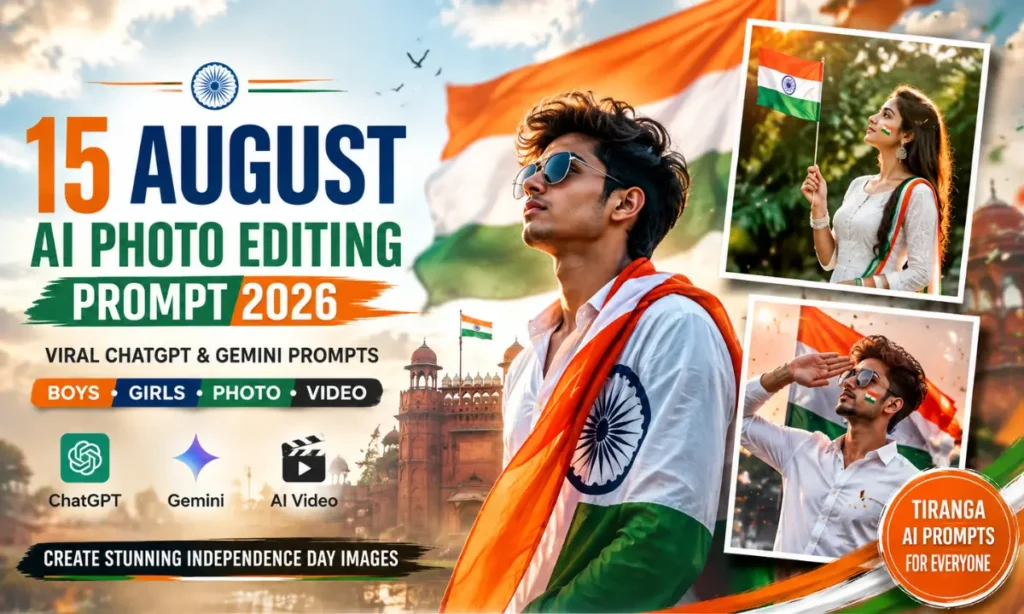
15 August AI Photo Editing Prompts 2026: Chatgpt & Gemini
15 August is one of the best times to create a patriotic photo for Instagram, WhatsApp, or Facebook. With the right prompt, you can turn a normal selfie into a cinematic Independence Day portrait.
You do not need advanced editing skills for this. Upload your photo, add a good prompt, and let the image generator create the scene.
In this guide, you will find 15 August AI Photo Editing Prompt ideas for boys and girls. You will also get prompts for Tiranga portraits, Instagram posts, and short Independence Day videos. Also visit: mare prompt & 3 Layer Photo Editing AI Prompt.
What Is a 15 August AI Photo Editing Prompt?
A 15 August AI photo editing prompt is a text instruction that tells an image generator how to transform your photo into an Independence Day-themed image.
The prompt can describe the Indian national flag, Ashoka Chakra, patriotic background, lighting, clothes, pose, camera style, and overall mood.
You can use these ideas with tools such as ChatGPT and Google Gemini. A clear reference photo usually gives better results because the tool has more facial details to work with.
The main goal is to keep your face natural while changing the background, outfit, lighting, or patriotic elements.
15 August AI Photo Editing Prompt for Boys
If you want a bold and confident Independence Day look, try this prompt:
Create an ultra-realistic cinematic Independence Day portrait using the uploaded photo as the exact identity reference. Preserve the person’s original face, facial structure, hairstyle, skin tone, beard, age, and natural features. Do not change the identity.
Place the person standing confidently outdoors with the Indian national flag waving behind him. Add a beautiful Indian monument in the soft background with subtle tricolor decorations. Use warm morning sunlight, realistic shadows, natural skin texture, detailed clothing, shallow depth of field, and cinematic DSLR photography.
Add subtle saffron, white, and green bokeh in the background. Include a clearly visible navy-blue Ashoka Chakra on the Indian flag. Create a proud but natural expression and realistic body proportions.
Add elegant text near the bottom: “15 AUGUST” and “HAPPY INDEPENDENCE DAY”. Use a clean patriotic poster design, realistic photography, sharp facial details, natural colors, premium cinematic lighting, and a 4:5 Instagram composition.
More Patriotic Photo Prompt for Boys
For a stronger outdoor look, try this variation:
Create a photorealistic Independence Day portrait of the exact person from the uploaded reference photo. Keep the face, hairstyle, skin tone, beard, body shape, and identity unchanged.
Show him standing on a scenic hilltop during golden hour while holding the Indian national flag on a flagpole. The Tiranga should move naturally in the wind. Add distant mountains, a soft cloudy sky, warm sunlight, and realistic atmospheric depth.
He should wear a clean white shirt with dark trousers and simple sneakers. Keep the pose confident but natural. Add realistic fabric details, natural skin texture, cinematic shadows, soft background blur, DSLR-quality photography, and a premium patriotic mood.
Use a vertical 4:5 composition suitable for Instagram. Add small elegant text saying “15 August” without covering the face or flag.
15 August AI Photo Editing Prompt for Girls
Girls can create a softer and elegant Independence Day portrait with this prompt:
Create an ultra-realistic Independence Day portrait using the uploaded image as the exact face reference. Preserve her facial identity, skin tone, eyes, nose, lips, hairstyle, and natural facial details without changing them.
Show a young Indian woman standing outdoors in a beautiful green garden. She is wearing a simple white ethnic outfit with a saffron and green dupatta flowing naturally in a light breeze. A large Indian national flag is softly waving in the background.
Add a small tricolor design on one cheek and subtle traditional accessories. Use warm natural sunlight, soft shadows, realistic skin texture, detailed fabric, natural makeup, and a gentle patriotic expression.
Create a cinematic DSLR portrait with shallow depth of field and smooth background bokeh. Keep the Indian flag accurate, including the navy-blue Ashoka Chakra. Use natural colors and a clean 4:5 Instagram composition.
Elegant Tiranga AI Photo Prompt
If you want a simple studio-style image, this prompt is a good option:
Create a hyper-realistic studio portrait using the uploaded photo as the exact identity reference. Keep the person’s face and natural features unchanged.
Place the person in front of a large Indian national flag covering most of the background. The person should wear a clean white outfit and look confidently toward the camera with a natural smile.
Use professional softbox lighting, realistic skin texture, detailed fabric, natural shadows, shallow depth of field, and premium editorial photography. The Tiranga should have accurate saffron, white, and green colors with a clearly visible navy-blue Ashoka Chakra.
Add subtle Independence Day decorations and soft tricolor light in the background. Make the final image look like a real professional photograph rather than a digital illustration. Use a 4:5 portrait ratio.
ChatGPT Se 15 August AI Photo Kaise Banaye?
ChatGPT is a simple option for creating patriotic photo concepts from your own image.
Start a new chat and upload your clear reference photo. Then paste the selected 15 August AI Photo Editing Prompt below the image.
Make sure your photo shows your face clearly. A front-facing or slightly angled portrait usually works well.
If the first result changes your face too much, generate another version with stronger identity-preservation instructions.
Gemini Se 15 August AI Photo Editing Kaise Kare?
Google Gemini can also be used for Independence Day image creation.
Open Gemini and upload your reference photo. Paste the prompt and ask it to preserve your original identity.
For outdoor scenes, describe the location clearly. You can use a mountain, beach, park, city road, or historical Indian monument.
If you want a realistic result, avoid adding too many complicated elements. A clear subject, simple background, and natural lighting often produce a cleaner photo.
15 August AI Photo to Video Prompt
Want to turn your patriotic photo into a short Reel?
You can use an image-to-video tool and give it this prompt:
Use the uploaded Independence Day image as the exact visual reference. Keep the person’s face, body, hairstyle, clothing, and identity consistent throughout the entire video.
Create a cinematic 10-second vertical 9:16 video. The person remains naturally standing while the Indian national flag gently moves in the wind. Add subtle natural breathing and blinking. Do not change the face or body.
Slowly move the camera forward and then create a gentle cinematic side movement. Keep the background stable and realistic. Add natural sunlight, realistic shadows, slight wind movement, soft depth of field, and cinematic camera motion.
The Indian flag must remain accurate with saffron, white, and green horizontal bands and a navy-blue Ashoka Chakra. Use photorealistic details, natural colors, smooth motion, and premium Independence Day cinematic style.
How to Use a 15 August AI Photo Editing Prompt
Creating your Independence Day photo is quite easy.
- Open ChatGPT or Google Gemini.
- Upload a clear selfie or portrait.
- Copy one of the prompts below.
- Paste it with your uploaded photo.
- Generate the image and check the result.
- Try another prompt if you want a different style.
For the best result, use a sharp photo with good lighting. Avoid very dark, blurry, or heavily filtered selfies.
Best AI Tools for Independence Day Photo Editing
Different tools can suit different styles.
| AI Tool | Best For |
|---|---|
| ChatGPT | Realistic portraits and prompt-based editing |
| Google Gemini | Photo creation and outdoor scenes |
| Google Flow | Cinematic image-to-video concepts |
| Midjourney | Artistic and stylized visuals |
| Leonardo AI | Creative and detailed image generation |
The best choice depends on the look you want. For a natural social media portrait, start with a clear photo and a simple prompt.
Tips for Better 15 August AI Photos
A few small changes can make a big difference.
- Use a clear, high-quality reference photo.
- Keep your face visible and well lit.
- Avoid blurry group photos.
- Ask the tool to preserve your identity.
- Keep the Indian flag and Ashoka Chakra accurate.
- Use 4:5 for Instagram posts.
- Use 9:16 for Reels and Stories.
- Do not add too many objects to one scene.
- If the first result looks wrong, try the same prompt again.
- Check the final image before posting it.
For a more personal touch, you can also add your name, city, or a short Independence Day message to the final design.
Final Words
Creating a patriotic photo for 15 August does not have to be difficult. A good reference image and the right prompt can give you a completely different look within a few steps.
Try the boys’ prompt, girls’ prompt, or the simple Tiranga portrait style. You can also turn your favorite image into a short cinematic video for Instagram or WhatsApp.
Most importantly, keep the result natural. A simple patriotic photo with your real personality often looks better than an image filled with too many effects.
This Independence Day, create something personal, add your own style, and proudly share your 15 August AI Photo Editing Prompt creation with friends and family.